



Photo Collage, Photo Templates
How to Create a Photo Collage That Looks Professional and Well Organized
Sep
Introduction
Photo Collage Design is the process of combining multiple photos into one organized visual composition that tells a story. A professional photo collage is not simply placing images together, but creating a balanced arrangement using proper layouts, spacing, typography, and visual hierarchy.
Whether you are creating a birthday memory poster, wedding photo display, anniversary gift, graduation collage, or family keepsake, the quality of the design determines how professional and meaningful the final result looks.
Many photo collages appear unorganized because photos are added without planning. Too many images, inconsistent spacing, random sizes, and excessive decorations can make the design feel crowded.
A successful Photo Collage Design creates harmony between every element. Each photo should have enough space to be appreciated while contributing to the complete visual story.
With the right design principles and professional templates, anyone can create a beautiful photo collage without advanced graphic design experience.
Why Professional Photo Collage Design Matters
Photos preserve important memories, but the way those photos are presented changes how people experience them.
A professional Photo Collage Design transforms individual images into a meaningful visual story. Instead of looking at separate photos, viewers can experience a complete collection of moments arranged into one beautiful composition.
Professional photo collages are commonly used for:
- Birthday celebrations
- Wedding memories
- Anniversary gifts
- Family milestones
- Graduation displays
- Baby memory posters
- Personal home decoration
A well-designed collage can become a long-lasting keepsake displayed on walls, desks, or special spaces.
The purpose of good design is not only to make photos attractive but also to create a clear visual journey that helps people remember the emotions behind each moment.
Photo Collage Design Layout Principles
The layout is the foundation of every professional collage. Before adding colors, text, or decorative elements, the structure should be planned carefully.
Choose the Right Photo Arrangement
Different occasions require different collage structures.
Common layout styles include:
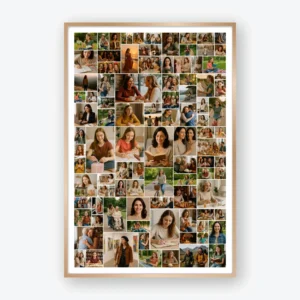
Grid Photo Collage Design
A grid layout creates a clean and organized appearance. Photos are arranged evenly, making it suitable for large collections of memories.
This style works well for:
- Family photo collections
- Graduation posters
- Yearly memory displays
Mixed Grid Photo Collage Design
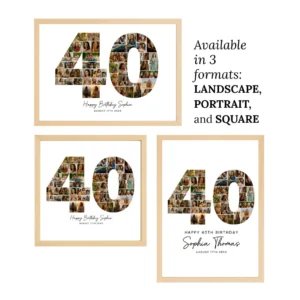
A mixed grid combines different photo sizes, including portrait, landscape, and square images.
This creates more visual interest while maintaining balance.
Mixed layouts are popular for:
- Birthday posters
- Wedding displays
- Anniversary gifts
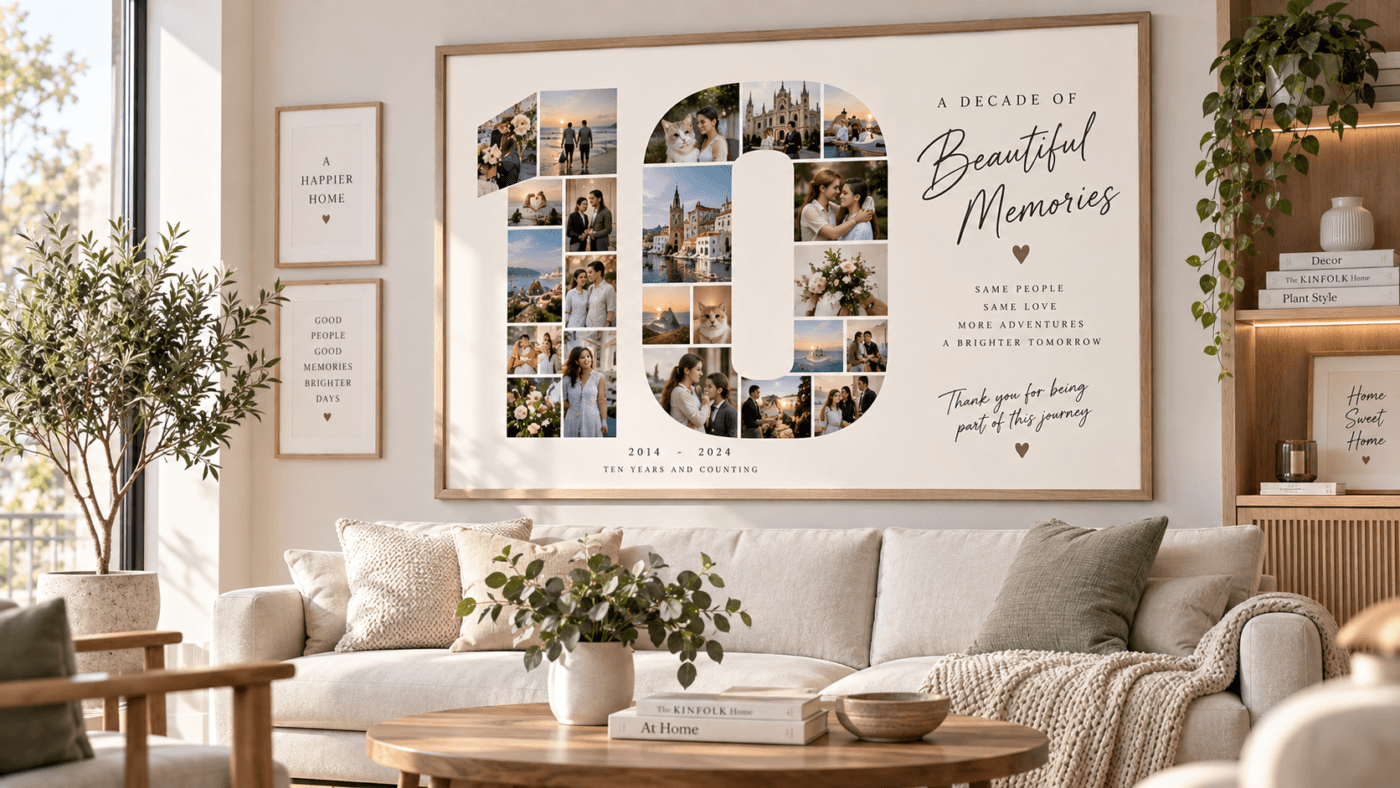
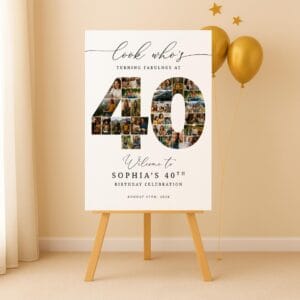
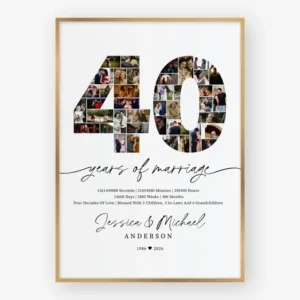
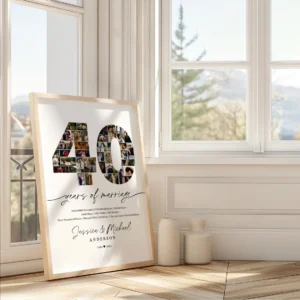
Number and Shape Photo Collage Design
Creative layouts use numbers, letters, or custom shapes filled with photos.
Examples:
- Birthday age numbers
- Wedding anniversary years
- Initial letters
This style creates a strong focal point and makes the design more personalized.
How to Organize Photos for a Better Photo Collage Design
Choosing photos is one of the most important steps before designing.
A common mistake is adding every available photo. More images do not always create a better collage.
Instead, select photos based on:
- Image quality
- Emotional value
- Color consistency
- Important memories
A balanced collage usually includes:
- Main highlight photos
- Supporting moments
- Different perspectives
- Variety of expressions
For example, a birthday collage can include childhood memories, family photos, celebrations, and recent moments to create a complete story.
The goal is not to display every photo but to create the strongest collection of memories.
Create Visual Balance in Photo Collage Design
Balance is what makes a collage look professional.
Without balance, one area may feel too heavy while another area feels empty.
Professional designers consider:
- Photo sizes
- Empty space
- Alignment
- Color distribution
- Visual weight
A large image can become the main focus, while smaller images support the overall composition.
Good balance allows viewers to explore the collage naturally without feeling overwhelmed.
Use Colors and Typography Effectively
Color plays an important role in creating a consistent Photo Collage Design.
Photos from different cameras and locations may have different colors. Using a consistent background, frame style, or color theme can help create a unified appearance.
Examples:
- Soft beige and white for elegant wedding designs
- Bright colors for birthday celebrations
- Neutral tones for modern home decoration
Typography should also support the design.
Good typography practices include:
- Use readable fonts
- Keep text simple
- Match fonts with the theme
- Avoid too many font styles
Text should enhance the memories, not compete with the photos.
Common Photo Collage Design Mistakes
Adding Too Many Photos
A crowded collage can make every image lose importance.
Instead of filling every space, focus on creating breathing room between photos.
Using Inconsistent Spacing
Uneven gaps make the design look unfinished.
Professional templates use consistent spacing to create a cleaner appearance.
Adding Too Many Decorations
Extra elements such as stickers, effects, and graphics can distract from the memories.
A premium design usually uses minimal decorative elements.
Ignoring Print Quality
A digital collage may look good on screen but poor when printed.
Before printing:
- Use high-resolution images
- Select the correct size
- Export with high-quality settings
Creating Photo Collage Design With Canva
Tools like Canva make creating photo collages easier for beginners and professionals.
Canva allows users to:
- Upload personal photos
- Replace image placeholders
- Adjust layouts
- Edit colors
- Add text
- Prepare designs for printing
However, professional results still depend on good composition and layout decisions.
Templates provide structure, but customization creates a unique final design.
Professional Photo Collage Design Templates
Using a professionally designed template can save time while maintaining a polished appearance.
A good template provides:
- Balanced photo placement
- Proper spacing
- Print-ready sizing
- Professional visual hierarchy
ShafuraDesign offers editable photo collage templates designed for different occasions:
These templates allow users to customize photos, colors, and text while keeping a professional layout.
How to Create a Premium Photo Collage Design
Follow these steps to create a professional result:
Step 1: Define the Purpose
Decide what the collage is for.
Examples:
- Gift
- Home decoration
- Event display
- Memory collection
Step 2: Select Your Best Photos
Choose meaningful photos with good quality.
Step 3: Choose a Suitable Layout
Select a structure that matches the number of photos and final display size.
Step 4: Customize the Design
Adjust:
- Photos
- Colors
- Text
- Background
- Spacing
Step 5: Prepare for Printing
Export using high-quality settings for the best final result.
Photo Collage Design Ideas for Different Occasions
Birthday Photo Collage
Birthday collages are popular gifts because they combine memories from different stages of life.
Common elements include:
- Age numbers
- Favorite photos
- Personal messages
- Celebration themes
Wedding Photo Collage
Wedding collages focus on storytelling.
Popular layouts include:
- Timeline memories
- Couple portraits
- Family moments
Family Photo Collage
Family collages create meaningful home decorations.
They are often displayed in:
- Living rooms
- Bedrooms
- Offices
Frequently Asked Questions
What makes a Photo Collage Design look professional?
A professional Photo Collage Design uses balanced layouts, consistent spacing, quality images, and clear visual hierarchy.
How many photos should be included in a collage?
The ideal number depends on the size and purpose. A good layout is more important than the number of photos.
Can I create a photo collage without design experience?
Yes. Editable templates and tools like Canva make it easier for beginners to create professional results.
What is the best size for a printed photo collage?
Popular poster sizes include 18×24 inches, 20×30 inches, and larger custom sizes depending on the display location.
Should photo collages include text?
Yes, but text should be limited. Names, dates, and short messages usually work best.
Conclusion
Photo Collage Design is about transforming individual photos into a meaningful visual story. A professional collage requires more than simply placing images together. It requires planning, balance, spacing, and thoughtful design choices.
By using proper layouts, consistent colors, readable typography, and high-quality templates, anyone can create a photo collage that looks elegant and professional.
Whether it is created as a personal gift, family decoration, or special event display, a well-designed photo collage preserves memories in a beautiful and lasting way.
Related Articles
- How to Design Stunning Social Media Graphics in Canva
- How to Create Professional Canva Templates for Your Business
- How to Design Professional Marketing Materials in Canva








&url=https://shafuradesign.com/shop/first-birthday-collage/&media=https://shafuradesign.com/wp-content/uploads/2026/08/il_1140xN.6939886345_cudt-1-800x800.jpg)


1982 Photo Collage Template, 44th Birthday Number Collage, Personalized Year Photo Poster, Editable Canva Digital Download
1997 Photo Collage Template, 29th Birthday Number Collage, Editable Canva
Editable 1970 Photo Collage Template, 56th Birthday Number Collage, Personalized Canva Poster